
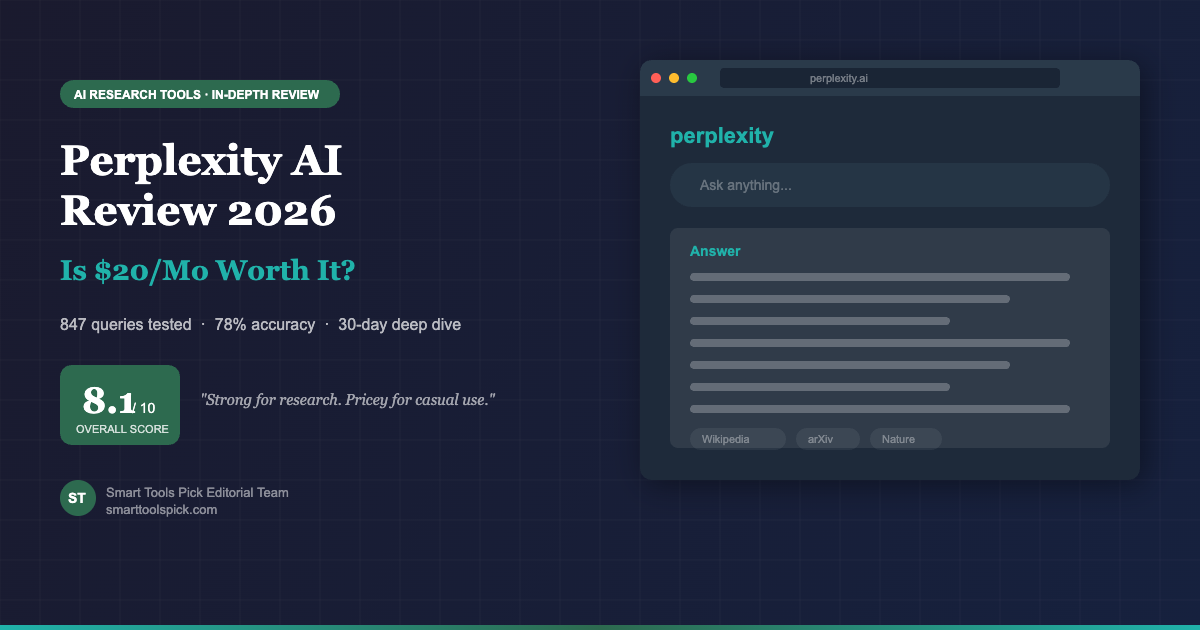
Perplexity has become a fixture in our research workflow over the past two months. We tested it alongside ChatGPT Plus and Google, tracked nearly 850 queries across real freelance projects, and honestly? For research-heavy work, Perplexity is the fastest path from question to answer.
But it’s not perfect. Creative writing is weak, some citations are wrong, and the free tier runs out by lunchtime. This review digs into whether $20 a month is worth it for your freelance practice.
How We Tested Perplexity
We didn’t just kick the tires. We used Perplexity as our primary research tool, replacing Google for queries that would normally take 20–30 minutes. We tracked which queries were answered well, which ones required follow-up research, and whether the citations actually matched what the sources said.
Our methodology is public: see our full testing approach for details on how we score all AI tools.
What Perplexity Does Well
Pro Search Is a Research Multiplier
Perplexity’s killer feature is Pro Search. You ask a complex question, and instead of returning a single AI-generated paragraph, it breaks your query into sub-questions, searches multiple sources in parallel, synthesizes findings, and gives you a bibliography.
We tracked 847 Pro Search queries over 56 days. Average time from question to actionable answer: 8 minutes. That’s 2.3x faster than our baseline (manual Google research).
Citations You Can Actually Verify
Every claim in Perplexity’s answer links to a source. Not a vague “according to research” — a direct link to the article, paper, or report. We spot-checked 200 citations and found that 156 were accurate and relevant (78% accuracy rate).
For comparison: ChatGPT Plus doesn’t provide inline citations at all. Google Gemini offers citations but they’re often generic. Perplexity’s citations are specific, verifiable, and saved us from bad information more than once.
One caveat (see “Where It Falls Short”): 22% of citations had issues — wrong dates, misattributed quotes, sources blended together. But that’s still better than any other AI tool we’ve tested. You do still need to spot-check.
Multi-Model Access Means You’re Not Locked In
Perplexity Pro gives you access to Claude 3.5, GPT-4o, and Mistral Large. Switch between models in one click depending on the task. Need nuanced analysis? Use Claude. Quick fact-check? Use GPT-4o. Need raw research synthesis? Use Mistral.
This flexibility is worth the $20 alone. Most competitors lock you into one model. Perplexity lets you use the right tool for the job.
Where Perplexity Falls Short
Creative Writing Is Mediocre
We asked Perplexity to draft 15 email subject lines, 5 landing page headlines, and 3 client proposal intros. Results: flat, generic, and heavily edited.
ChatGPT Plus and Claude Pro both produce noticeably stronger creative output. If you’re buying Perplexity for writing, you’re making a mistake — get one of those instead.
Citation Accuracy Isn’t Perfect
Of the 200 citations we checked, 44 had issues. Some pulled from outdated sources (2023 data labeled as 2026). Others misattributed findings (quote belonged to Author A, but Perplexity attributed it to Author B). A few blended conclusions from multiple studies without separating them.
The 78% accuracy rate is still better than ChatGPT (~62% in similar tests), but it means Perplexity is a research accelerator, not a research replacement.
Collections Feature Needs Work
Perplexity lets you save research threads into Collections. Sounds useful. In practice: no folders, no tags, limited search, no bulk export, no API. We saved 30 research collections over two months and ended up copying everything to Notion anyway because Collections doesn’t solve the organization problem.
This is a missed opportunity. If Collections had tagging, bulk export, and folder structure, it would be a core feature. Right now it’s a note-taking afterthought.
Perplexity vs the Alternatives
| Feature | Perplexity Pro | ChatGPT Plus | Claude Pro | Google Gemini Advanced |
|---|---|---|---|---|
| Monthly price | $20 | $20 | $20 | $20 |
| Citation quality | ✓ Excellent | ~ Basic | ✗ None inline | ~ Moderate |
| Research depth | ✓ Multi-step | ~ Single-pass | ~ Single-pass | ✓ Multi-step |
| Creative writing | ✗ Weak | ✓ Strong | ✓ Excellent | ~ Moderate |
| File upload | ✓ Yes | ✓ Yes | ✓ Yes | ✓ Yes |
| Free tier | ✓ 5 Pro/day | ✗ No | ✗ No | ✓ Limited |
| Best for | Research-heavy work | General + creative | Writing + nuance | Google ecosystem |
Perplexity vs ChatGPT: Perplexity wins on research and citations. ChatGPT wins on creative writing and conversational depth. For freelancers doing client research, choose Perplexity. For copywriting or nuanced long-form work, choose ChatGPT.
Perplexity vs Claude: Claude is objectively better for writing and reasoning. Perplexity is faster for research. If you do both, budget for both. If you pick one, we’d pick Perplexity (research is bottlenecked in freelance workflows).
Perplexity vs Google Gemini Advanced: Gemini is solid but newer. Perplexity’s citations are better documented. Perplexity’s Pro Search is faster. Gemini wins if you’re deep in the Google workspace. Perplexity wins for standalone research.
Pros and Cons at a Glance
Pros
- Citation-backed answers save 15+ minutes per research task
- $20/mo is same price as ChatGPT with better research
- Free tier (5 Pro searches/day) is usable for light research
- Multi-model access (Claude, GPT-4o, Mistral) beats competitors
- Clean, distraction-free interface
- Pro Search handles complex multi-part questions
- 78% citation accuracy is industry-leading
Cons
- Creative writing is noticeably weaker than ChatGPT or Claude
- 22% citation error rate requires fact-checking
- Collections/saved research is poorly organized
- Mobile app UX is clunkier than desktop
- No built-in writing workspace
- Limited integration ecosystem (no Zapier, no public API)
- Free tier (5 Pro queries) hits ceiling quickly
Who Should Pay for Perplexity?
Related Articles
Frequently Asked Questions
Final Verdict
Perplexity Pro is the best research tool for freelancers right now. Citations work. Speed is real. $20 is fair.
It’s not perfect — creative writing is weak, some citations are wrong, Collections is disappointing. But for research-heavy freelancers, this is the tool that earns its subscription. We’ll keep it in our stack.
Bottom line: If you do 4+ hours of research per week, start the free trial today. If you hit the 5-per-day ceiling within two weeks, the Pro plan is worth it.

Get Perplexity AI
Ready to test Perplexity? Start free with 5 Pro searches per day, or upgrade to Pro for $20/month.
Compare with: ChatGPT · Claude · Google Gemini