You open Zapier, connect Gmail to Google Sheets, and your first automation runs in three minutes. That part is true. What nobody tells you is that a 5-step Zap eats 5 tasks per trigger, your 750-task Professional plan runs dry in two weeks, and the upgrade to 2,000 tasks costs $103.50/month.
We’ve been running Zapier across freelance projects and client work since late 2025. This Zapier review for 2026 covers what the platform actually delivers: the new AI features, the real cost at different scales, and where alternatives like Make and n8n save you serious money.
Quick Verdict: Zapier is the fastest way to automate simple workflows between popular apps. But its per-task pricing punishes anyone who scales beyond basic use. If you run more than 1,000 tasks/month, do the math before committing.
What’s New in Zapier for 2026
Zapier shipped several major features since late 2025 that change how the platform works:
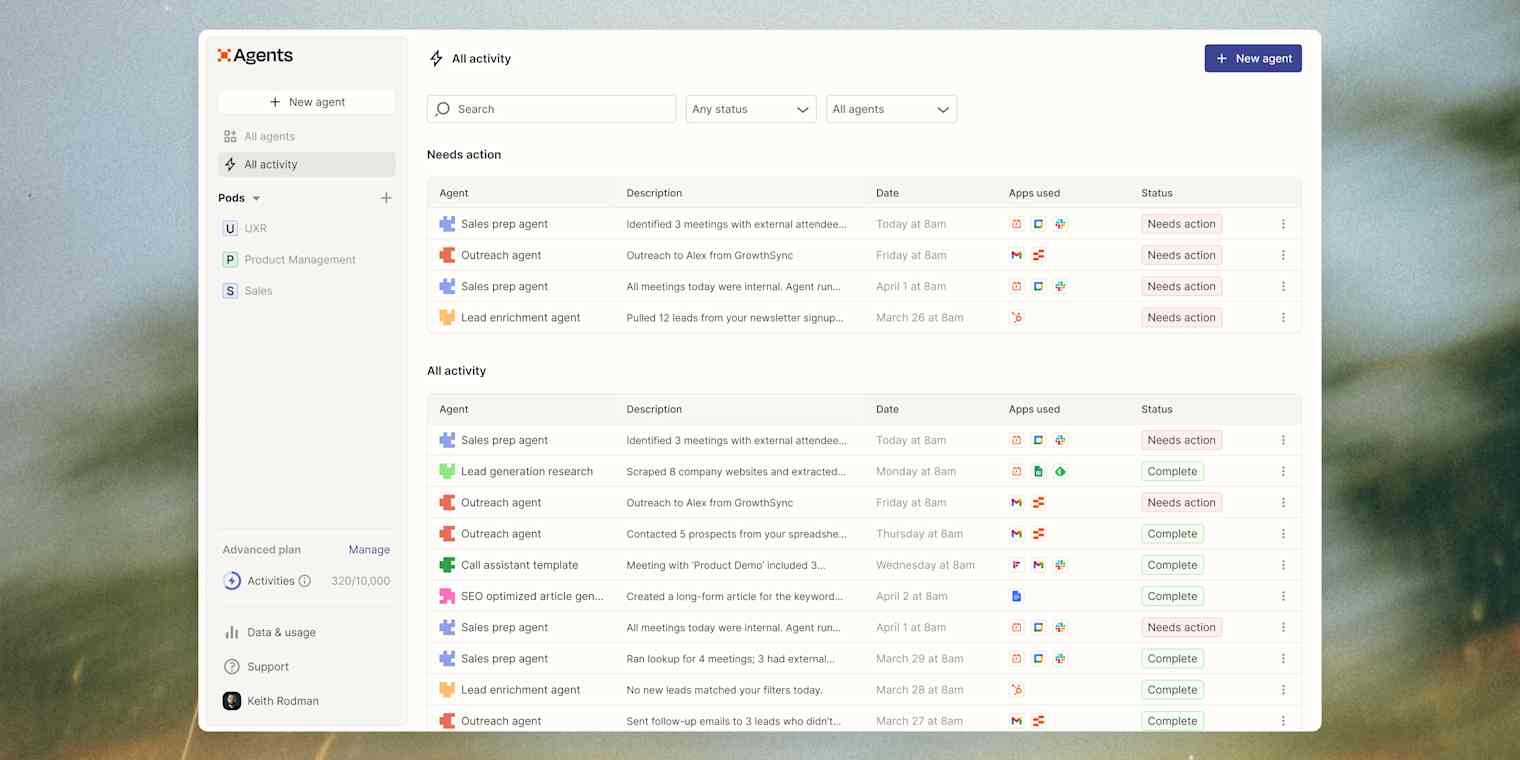
AI Agents are the headline addition. You describe what you want (“Monitor my inbox for client emails and log them in Notion”), and an AI agent handles execution across your connected apps. The free tier gives you 400 activities/month, and paid plans start at $33.33/month for 1,500 activities. These run on a separate billing track from regular Zaps.
AI Guardrails detect sensitive data (SSNs, credit card numbers, emails) and can block or redact information before it flows downstream. You can also screen for prompt injection, jailbreaks, and toxicity. For anyone running AI-powered workflows, this is a meaningful security layer that competitors don’t offer yet.
Zapier MCP (Model Context Protocol) lets AI tools like Claude and ChatGPT trigger your Zaps directly. Each MCP tool call costs 2 tasks. This positions Zapier as the connective tissue for AI-native workflows.
Zap Version Control tracks changes to your automations, so you can roll back if something breaks. Anyone who has accidentally broken a production Zap knows this was overdue.
How Zapier Actually Works (And What Counts as a “Task”)
If you’ve never used Zapier, the concept is simple: you create “Zaps” that follow a trigger-action pattern. When something happens in App A (the trigger), Zapier does something in App B (the action).
The critical detail everyone misunderstands: how tasks are counted.
- Triggers are free. They never count as tasks.
- Every successful action step counts as 1 task.
- Filters and Paths (conditional logic) are free.
- Zapier Tables and Forms actions are free.
- Sub-Zap actions count separately (the call, each action, and the return).
- MCP tool calls count as 2 tasks each.
Here’s why this matters: a Zap that checks Gmail, filters by sender, looks up a contact in your CRM, updates a Sheets row, and sends a Slack message uses 4 tasks per run (filter is free, the 4 actions each count). If this triggers 10 times per day, that’s 40 tasks/day or roughly 1,200 tasks/month from one workflow.
On the Professional plan (750 tasks), you’d burn through your limit in about 19 days. On the Team plan (2,000 tasks), you’d last the month but have little room for anything else.
Pricing Breakdown: What Zapier Actually Costs in 2026
| Plan | Monthly Price (Annual) | Tasks/Month | Users | Key Feature |
|---|---|---|---|---|
| Free | $0 | 100 | 1 | Two-step Zaps only |
| Professional | $19.99 | 750 | 1 | Multi-step, premium apps |
| Team | $69 | 2,000 | 25 | Shared workspaces, SSO |
| Enterprise | Custom | Annual limits | Unlimited | Dedicated manager |
What the pricing page doesn’t make obvious:
- Task overages cost 1.25x your base rate. If you exceed your plan limit, Zapier charges per extra task at a premium. Your Zaps pause entirely at 3x your plan limit.
- The jump from 750 to 2,000 tasks is steep. Going from Professional to Team costs roughly $50 more per month.
- Higher task tiers get expensive fast. Need 10,000 tasks/month? Expect to pay $300+ per month.
- Agents, Chatbots, and Zaps are billed separately. The $19.99/month Professional plan does not include AI Agents ($33.33/month extra) or Chatbots ($13.33/month).
What Zapier Does Well
Unmatched integration library. 8,500+ native app connections. If you need to connect Shopify to Slack to Google Sheets to HubSpot, Zapier supports all of them out of the box. This is the single biggest reason people choose Zapier over anything else.
Speed to first automation. You can have a working Zap in under 5 minutes with zero coding knowledge. A marketing team with no technical background can be building multi-step workflows the same day.
Reliability is excellent. In six months of running production Zaps, uptime has been above 99.9%. For business-critical automations (lead routing, payment processing), this reliability matters more than price.
AI Workflow generation works. Type “When I get a new Typeform submission, add it to Airtable and ping me on Slack” and Zapier builds the Zap. Not perfect for complex logic, but for 3-4 step workflows it saves genuine setup time.
Where Zapier Falls Short
Pricing scales poorly. This is the core issue. A 5-step Zap running 20 times/day eats 3,000 tasks/month. At that volume, Make offers 10,000 operations for $9/month. The math doesn’t favor Zapier for high-volume automation.
No native loops. You can’t iterate over a list of items natively. If you need to process 50 rows from a spreadsheet, you need workarounds. Make and n8n handle this with built-in iterators.
Debugging multi-step Zaps is painful. When a complex Zap fails at step 7 of 12, finding the issue requires clicking through each step’s logs individually. No visual trace or timeline view.
AI features are surface-level. The AI Agents and Chatbots are useful for simple tasks, but lack depth compared to dedicated AI platforms. No fine-tuning, limited context windows, basic customization.
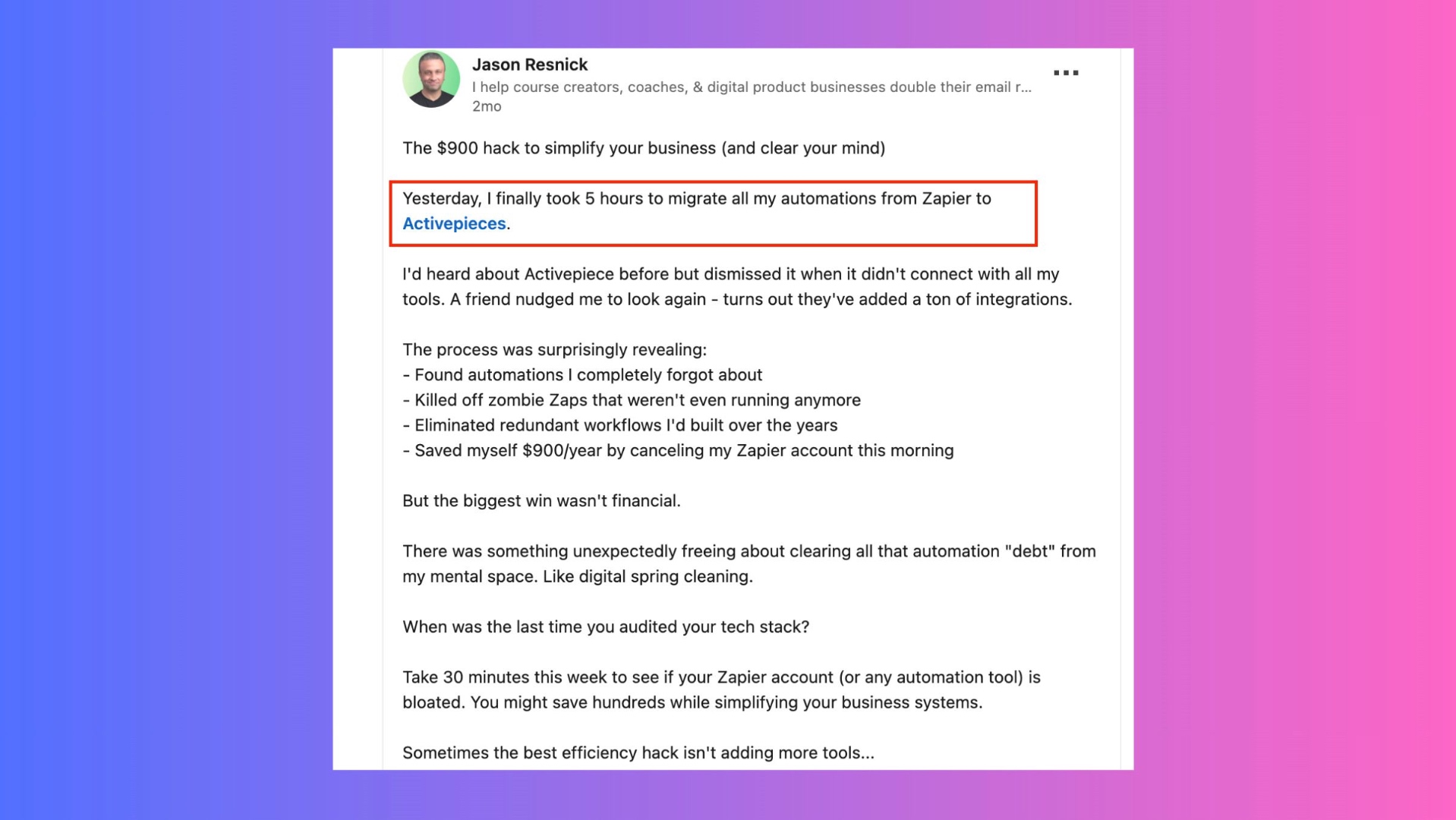
Zapier vs Make vs n8n: Honest Comparison
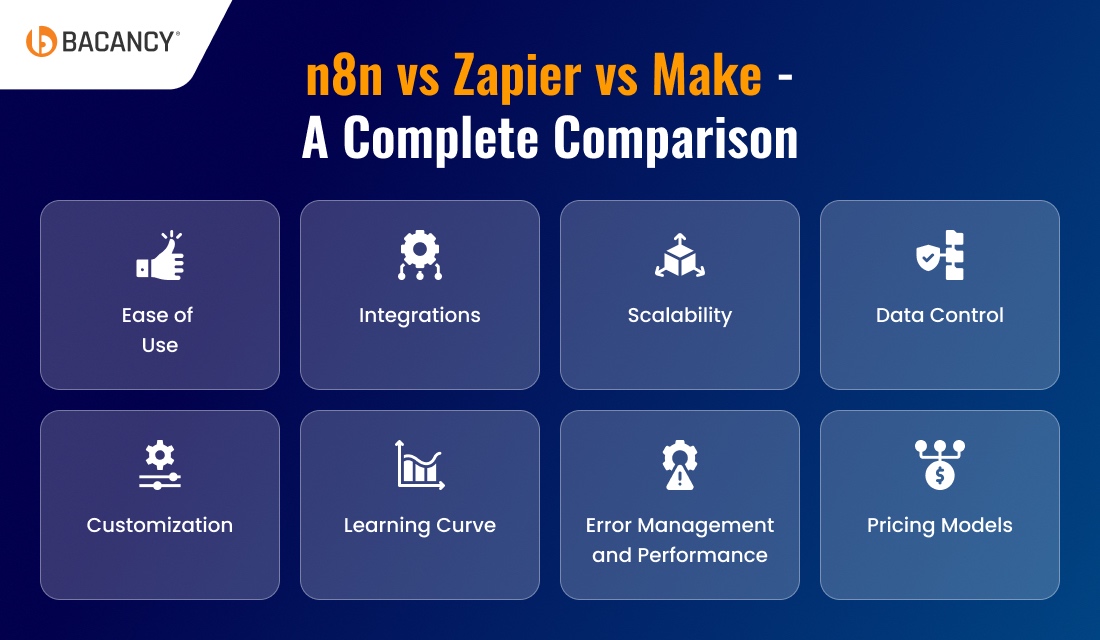
| Feature | Zapier | Make | n8n |
|---|---|---|---|
| Starting price | $19.99/mo (750 tasks) | $9/mo (10,000 ops) | Free (self-hosted) |
| Integration count | 8,500+ | 1,800+ | 400+ native |
| Learning curve | Easy (minutes) | Moderate (hours) | Steep (technical) |
| Loop support | Workarounds | Built-in iterator | Built-in loop nodes |
| Self-hosting | No | No | Yes (free) |
| Best for | Non-technical teams | Visual thinkers, medium complexity | Developers, high-volume |
When to choose Zapier: You’re not technical, need the widest app support, and your volume stays under 2,000 tasks/month.
When to choose Make: You want visual workflow design, handle moderate complexity, and need better value at 5,000+ operations/month. Make’s $9/month offers 13x more operations than Zapier’s entry paid plan.
When to choose n8n: You’re a developer comfortable with self-hosting and want to avoid per-task pricing entirely.
Tips to Reduce Your Zapier Bill
- Use Filters aggressively. Filters don’t count as tasks. Put a filter early to block unnecessary runs before they trigger paid action steps.
- Consolidate multi-step Zaps. Two 3-step Zaps on the same trigger use 6 tasks per run. Combining them with Paths might use fewer steps.
- Use Zapier Tables instead of external database apps. Tables actions don’t count toward usage.
- Move high-volume automations off Zapier. Keep Zapier for unique integrations. Move repetitive workflows to Make or a custom script.
- Monitor usage weekly. Check billing before you get surprised. Zapier emails at 80% and 100% of your limit, but by then it may be too late.
Who Should Actually Pay for Zapier?
Buy it if: You’re a freelancer or solopreneur automating 5-10 simple workflows (form submissions to CRM, email notifications, calendar syncing). The Professional plan at $19.99/month covers this comfortably.
Skip it if: You run 5,000+ tasks/month (Make is dramatically cheaper), you’re a developer who wants full control (n8n, self-hosted), or you need complex loops, iteration, or advanced error handling.
Related articles
- Best AI Tools for Freelancers 2026 — full roundup of top picks
- AI Tools for Email Marketing — automate your email workflows
- Best AI Tools for Small Business Owners — broader productivity picks
- Best AI Productivity Tools for Freelancers
Frequently Asked Questions
Is Zapier worth $20/month in 2026?
For freelancers running under 750 tasks/month with simple 2-3 step automations, yes. The Professional plan at $19.99/month gives you multi-step Zaps and access to 8,500+ integrations. But if your usage grows beyond 750 tasks, costs escalate quickly — do a comparison with Make before committing to higher tiers.
How does Zapier compare to Make for pricing?
Make offers 10,000 operations/month for $9/month — that’s 13x more than Zapier’s 750 tasks at $19.99/month. For high-volume automation, Make is significantly cheaper. Zapier wins on integration count (8,500+ vs 1,800+) and ease of use for non-technical users.
Are Zapier’s AI Agents worth the extra cost?
For simple, well-defined tasks like “monitor inbox and log to CRM,” they work well. At $33.33/month extra on top of your Zap plan, they’re expensive for what they deliver. The AI features are surface-level compared to dedicated AI platforms. Try the 400 free activities/month before paying.
Can I use Zapier for free?
Yes — the free plan gives you 100 tasks/month and two-step Zaps. It’s enough to test the platform and run 1-2 basic automations. For anything beyond that, you’ll need the Professional plan at $19.99/month.
Final Verdict
Zapier remains the most accessible automation platform in 2026. The AI additions (Agents, Guardrails, MCP) show the company is investing in the right direction. The integration library is untouched by any competitor, and the setup experience is genuinely fast.
But the pricing model is Zapier’s weakness. Per-task billing punishes growth, tier jumps are aggressive, and AI features require separate subscriptions. For many teams, the total monthly cost is higher than it first appears.
Our recommendation: Start with Zapier’s free plan to prototype your workflows. If your usage stays under 750/month, the Professional plan is solid value. The moment you consistently exceed 2,000 tasks/month, run a cost comparison with Make — you’ll likely save 50-70%.
/ 10 — Good for simple automations, but pricing limits scalability
Sources: Zapier Official Pricing | Zapier Task Usage Docs | G2 Reviews | Trustpilot Reviews

Try these tools: Zapier | Make | n8n | IFTTT
Is Zapier worth $20/month in 2026?
For freelancers running 3+ automation workflows, yes. The time savings compound. But if you only need basic integrations, the free tier or Make.com may be more cost-effective.
How does Zapier compare to Make for pricing?
Make is significantly cheaper at scale. For high-volume automations, Make can cost 3-5x less. Zapier wins on integration breadth and ease of use.
Are Zapier’s AI Agents worth the extra cost?
Not yet for most users. AI Agents are impressive in demos but still too unreliable for production workflows. The AI Guardrails feature is more practical.
Can I use Zapier for free?
Yes, the free plan includes 100 tasks per month and 5 single-step Zaps. This is enough for basic automations like new email to Slack notifications.